
Your encrypted vault, on your Mac
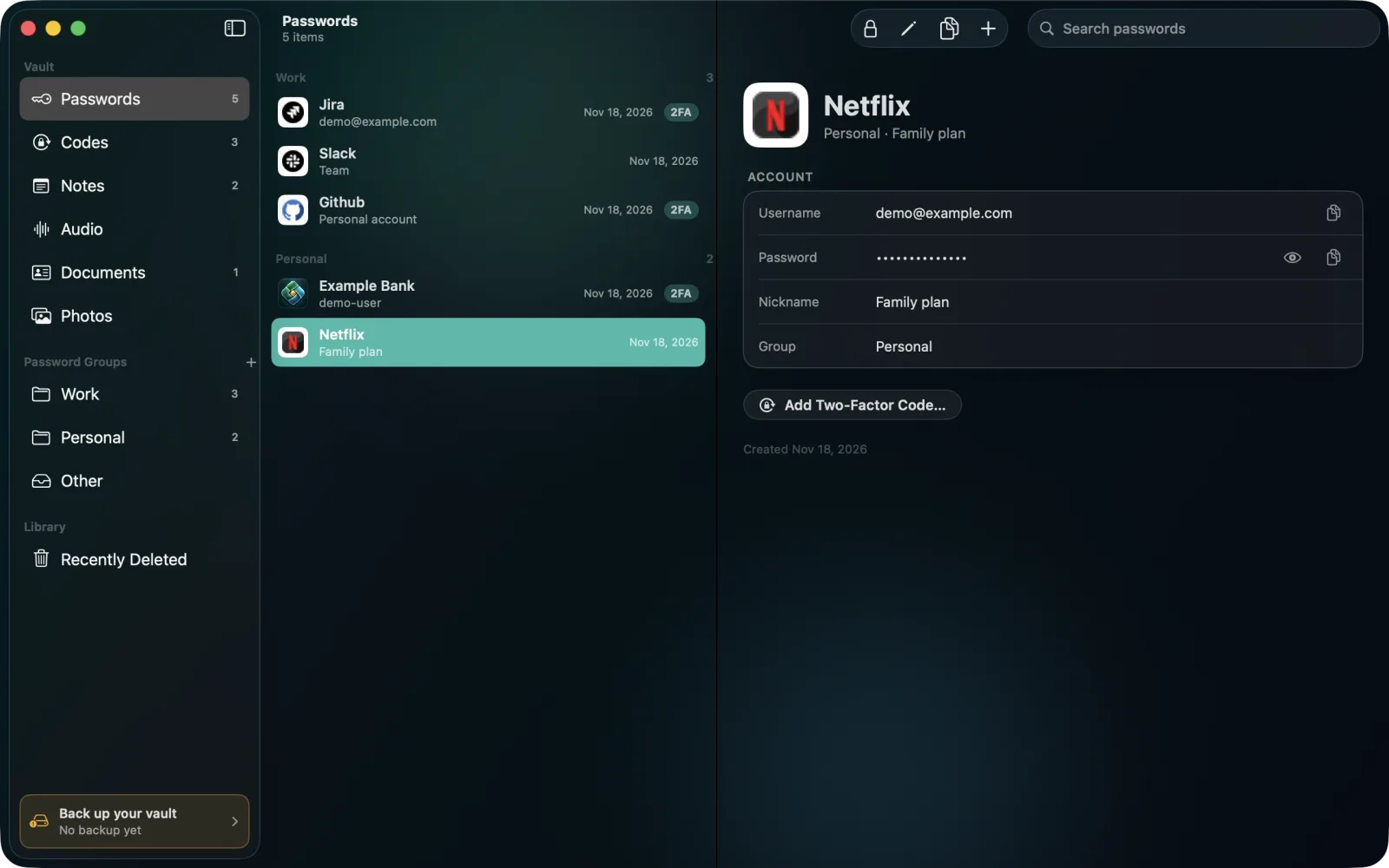
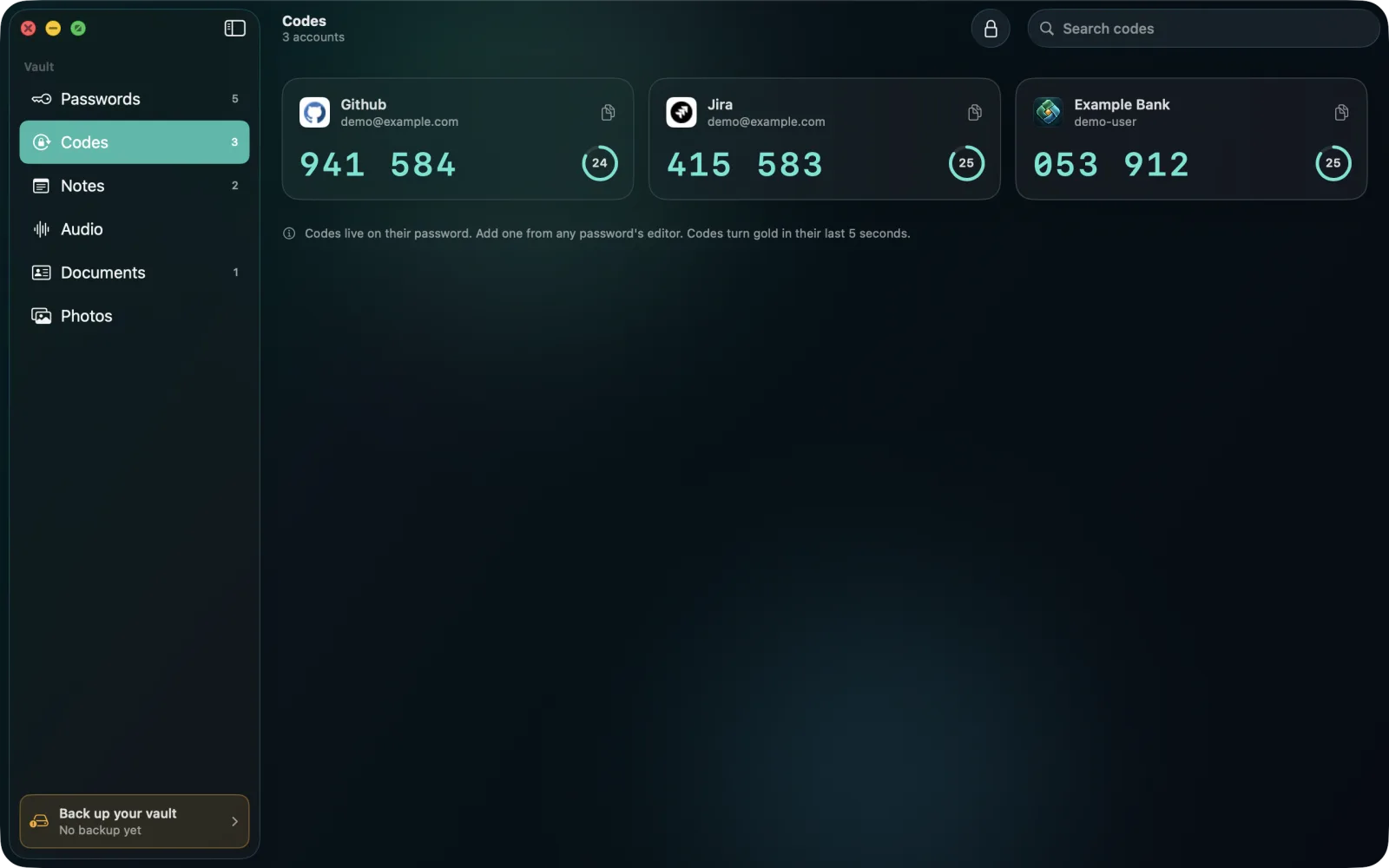
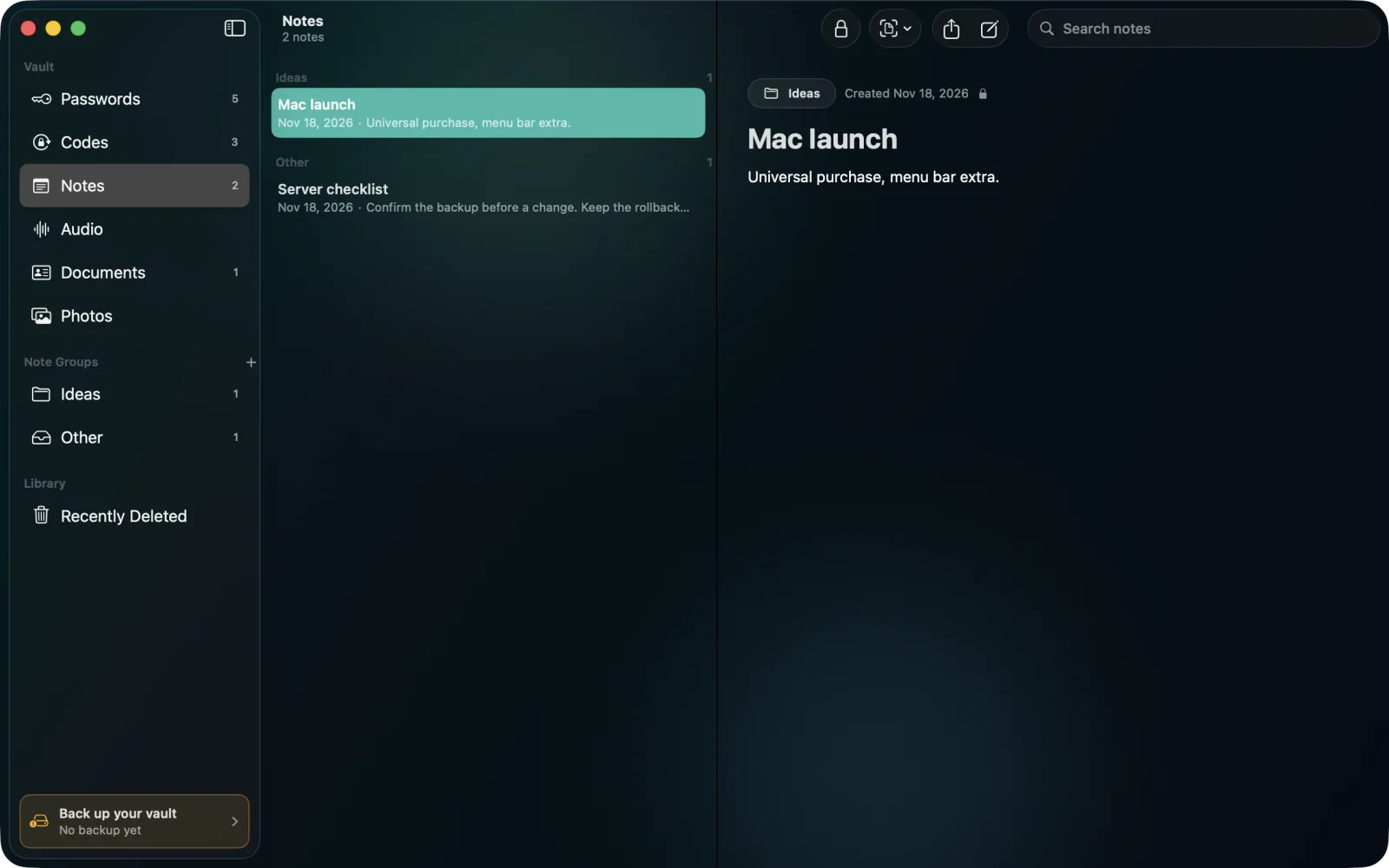
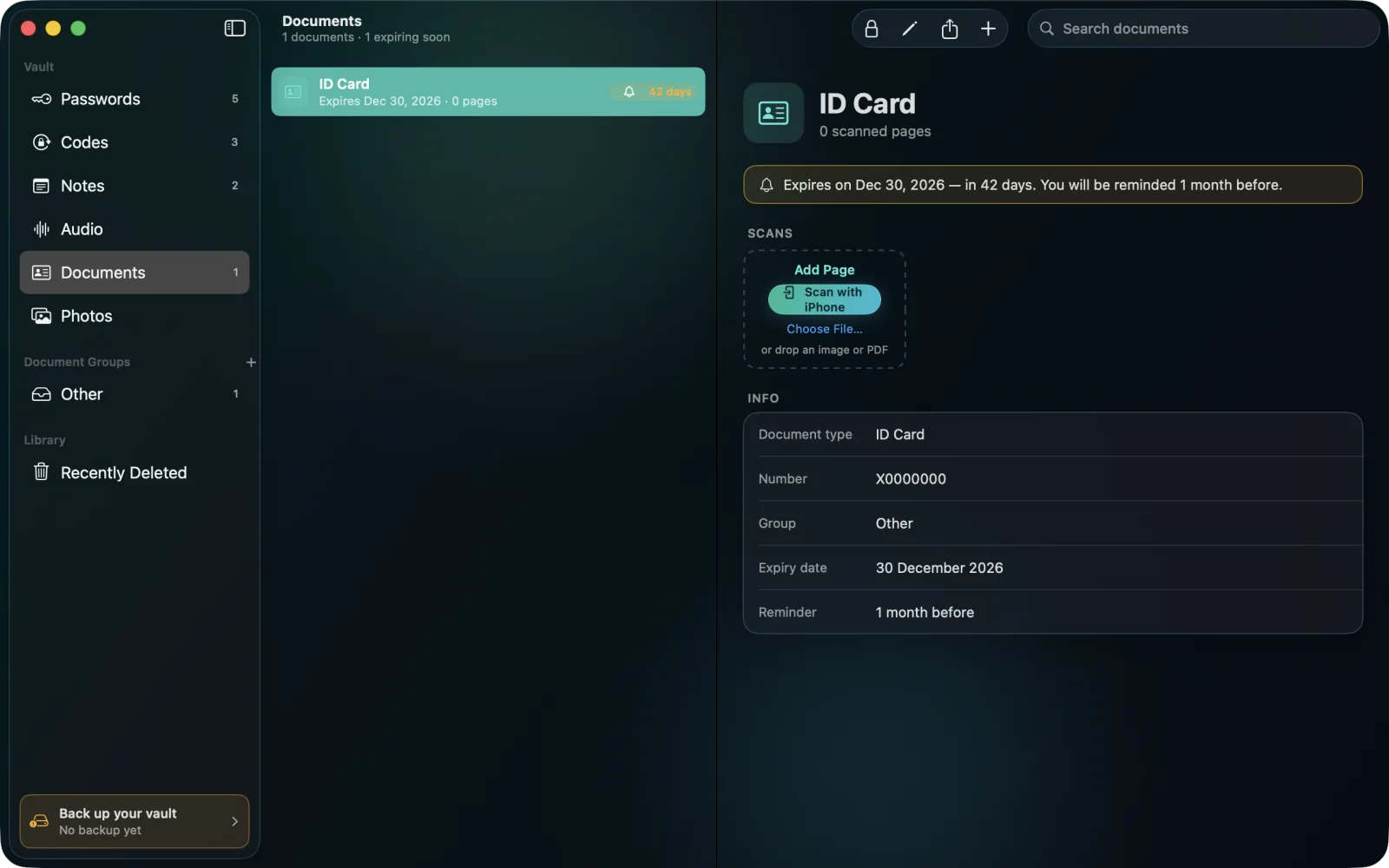
SecureKit keeps your passwords, two-factor codes, notes, documents, photos and recordings encrypted on your Mac. No account, no cloud vault: nobody else holds a copy.
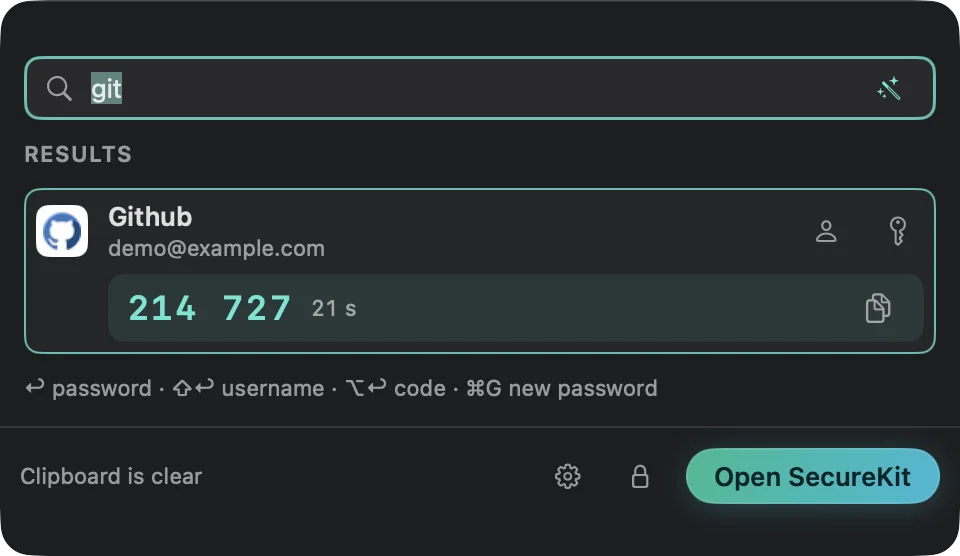
Quick Access, from any app
Press the shortcut or click the menu bar icon, type a few letters, and copy a password, username or two-factor code without opening the main window.
What it does
- Passwords and two-factor codes, with AutoFill in Safari and apps
- Private notes, documents, photos and voice recordings
- Everything encrypted on your Mac with 256-bit AES-GCM, unlocked with Touch ID or your Mac password
- Quick Access from any app with a keyboard shortcut, and from the menu bar
- Move items between your iPhone and your Mac directly, over Wi-Fi and Bluetooth, without the cloud
- Encrypted backups you keep wherever you like
Pricing
Everything works free for the first 7 days, with no card needed. After that, everything you saved can still be opened, read, copied and backed up; adding or changing items, AutoFill and moving items to and from iPhone need a licence.
Prices are in US dollars; your local price and any sales tax or VAT are shown at checkout. One licence works on two Macs. You buy from inside the app (Settings › Licence), and it turns itself on as soon as the payment goes through. SecureKit for Mac is sold separately from the iPhone app.
Our order process is conducted by our online reseller Paddle.com. Paddle.com is the Merchant of Record for all our orders, handles payment, tax, invoices and refunds, and provides customer service for orders.
Requirements
macOS 26.6 or later. Moving items to and from iPhone needs SecureKit on the iPhone.
Policies and support
Read the terms of sale and use, the privacy policy and the refund policy. For help, write to hello@securekitapp.com.